Arduino Digital Speedometer for Razor A5 Lux Kick Scooter AKA Zvezdalet
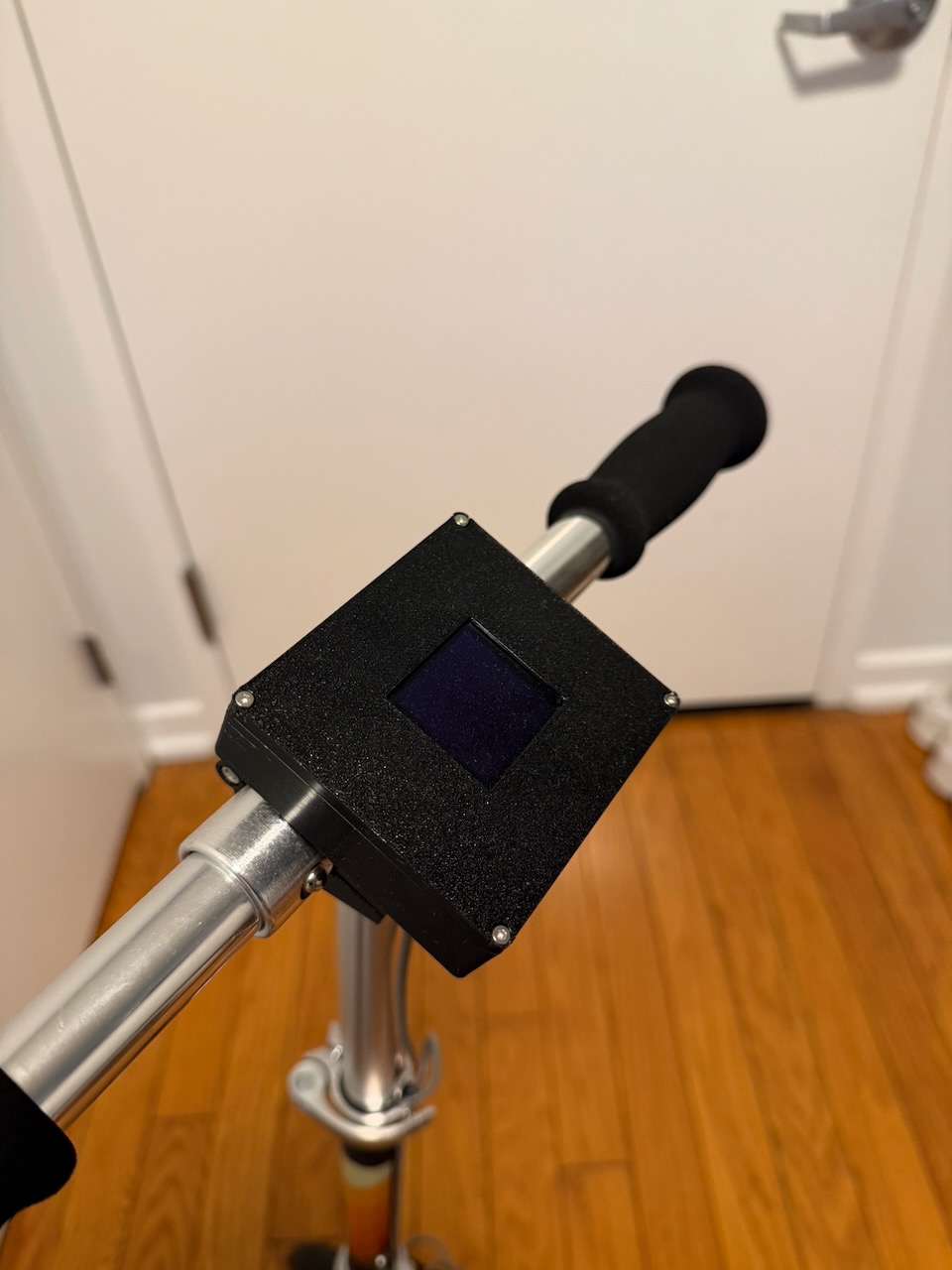
My kid has a Razor A5 Lux scooter. At some point I thought it would be fun to add a speedometer — not because it’s necessary, but because it’s the kind of thing that makes a regular scooter feel like it has a personality. The project ended up being called Zvezdalet.
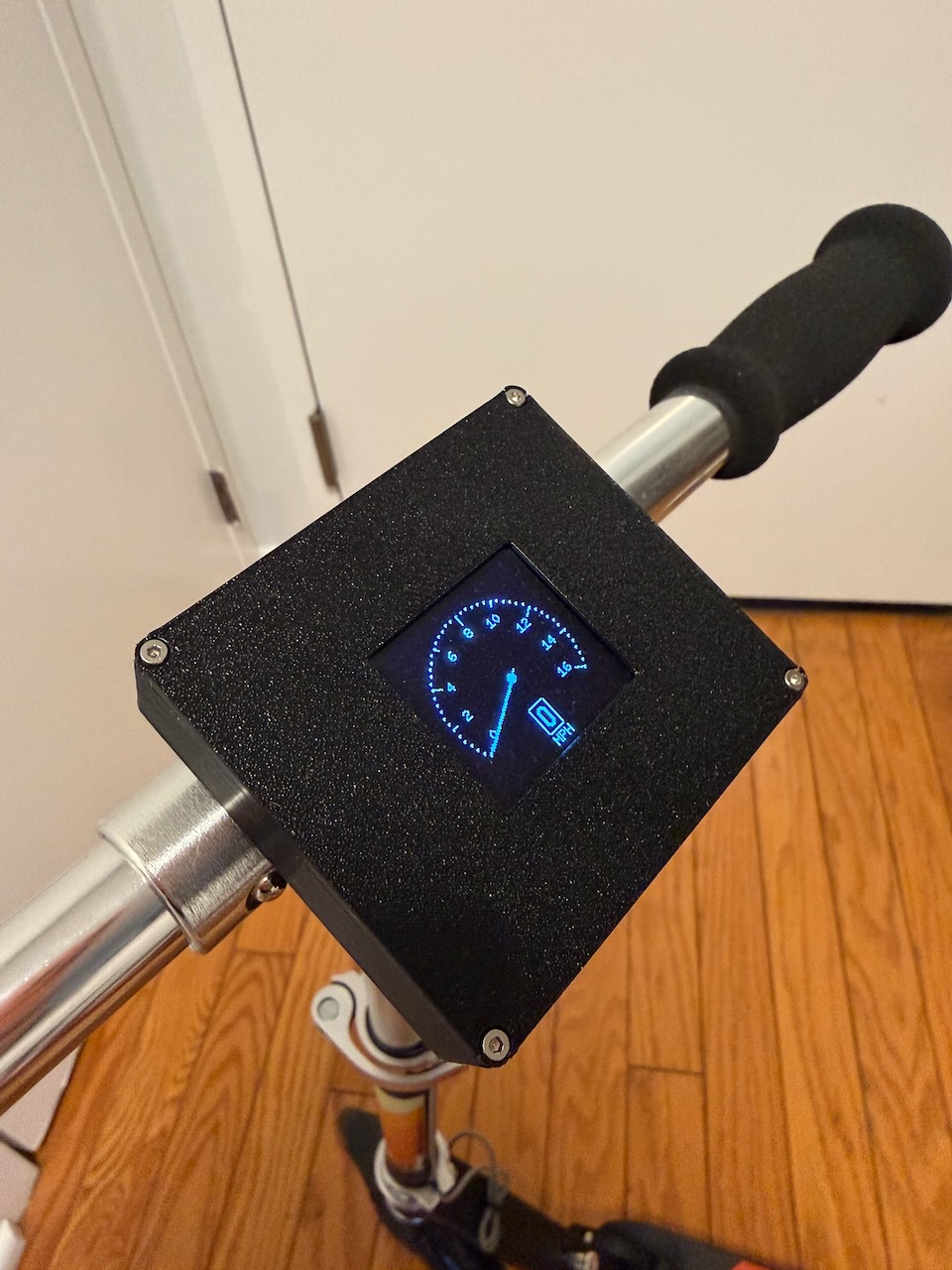
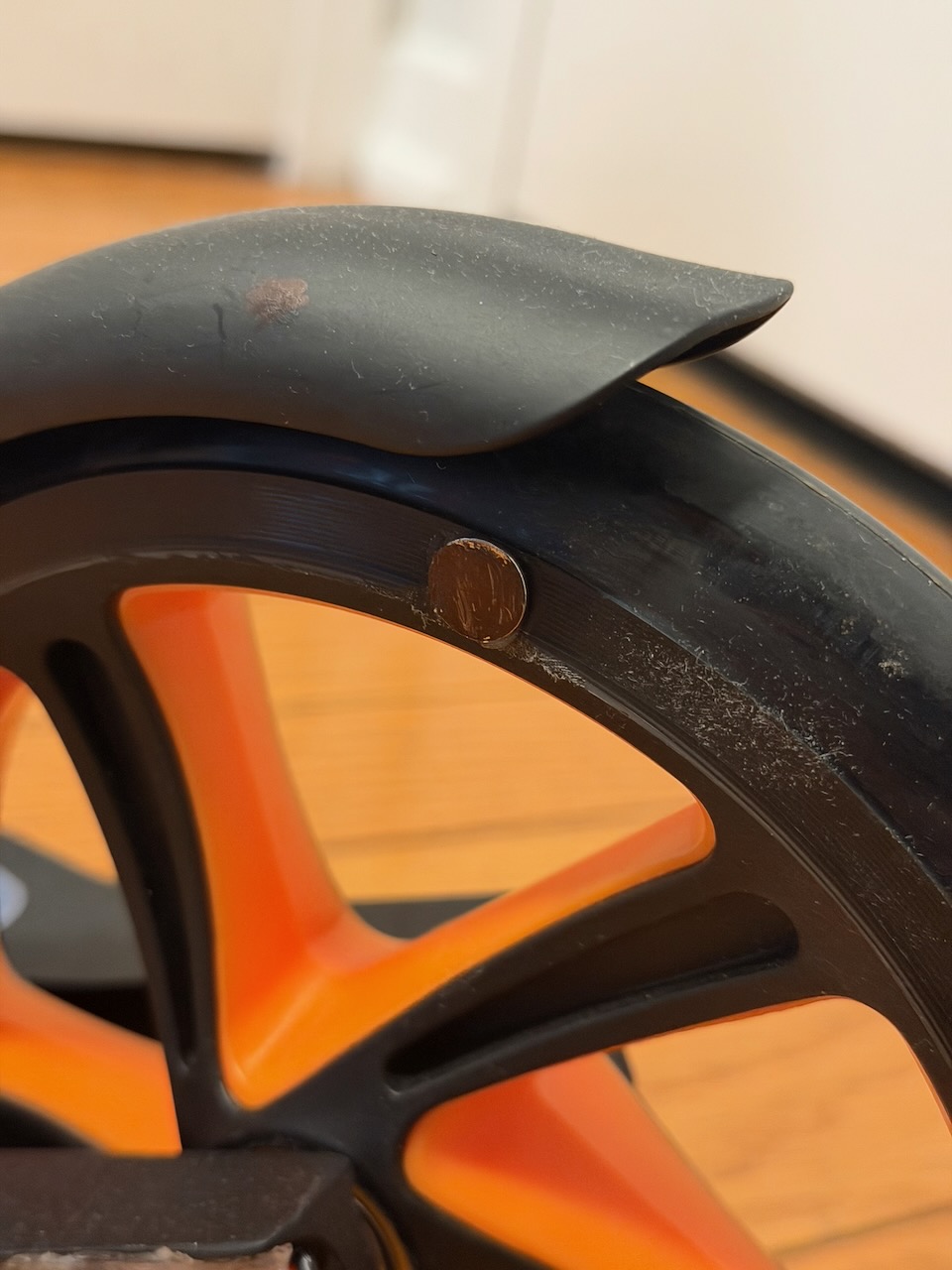
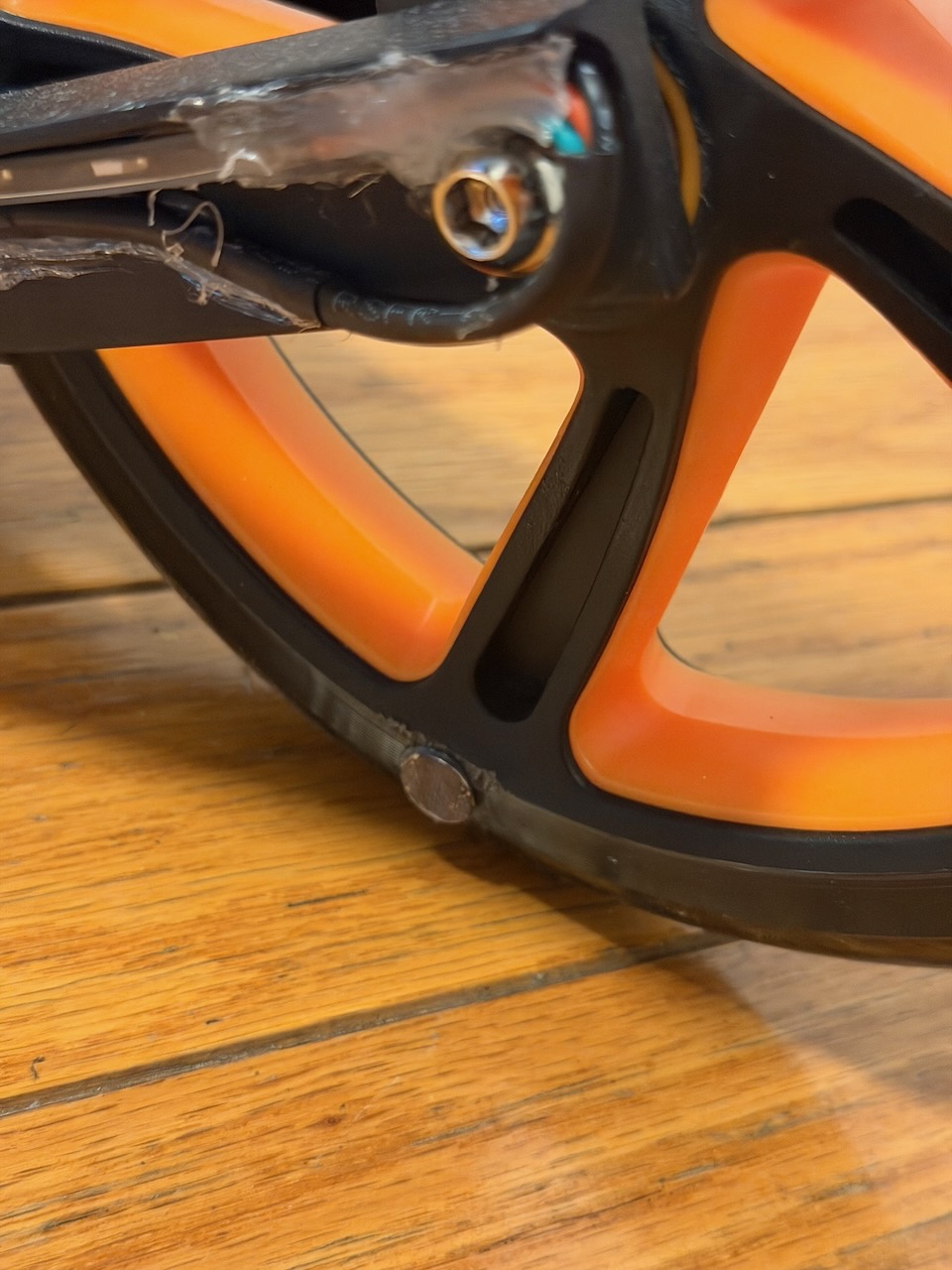
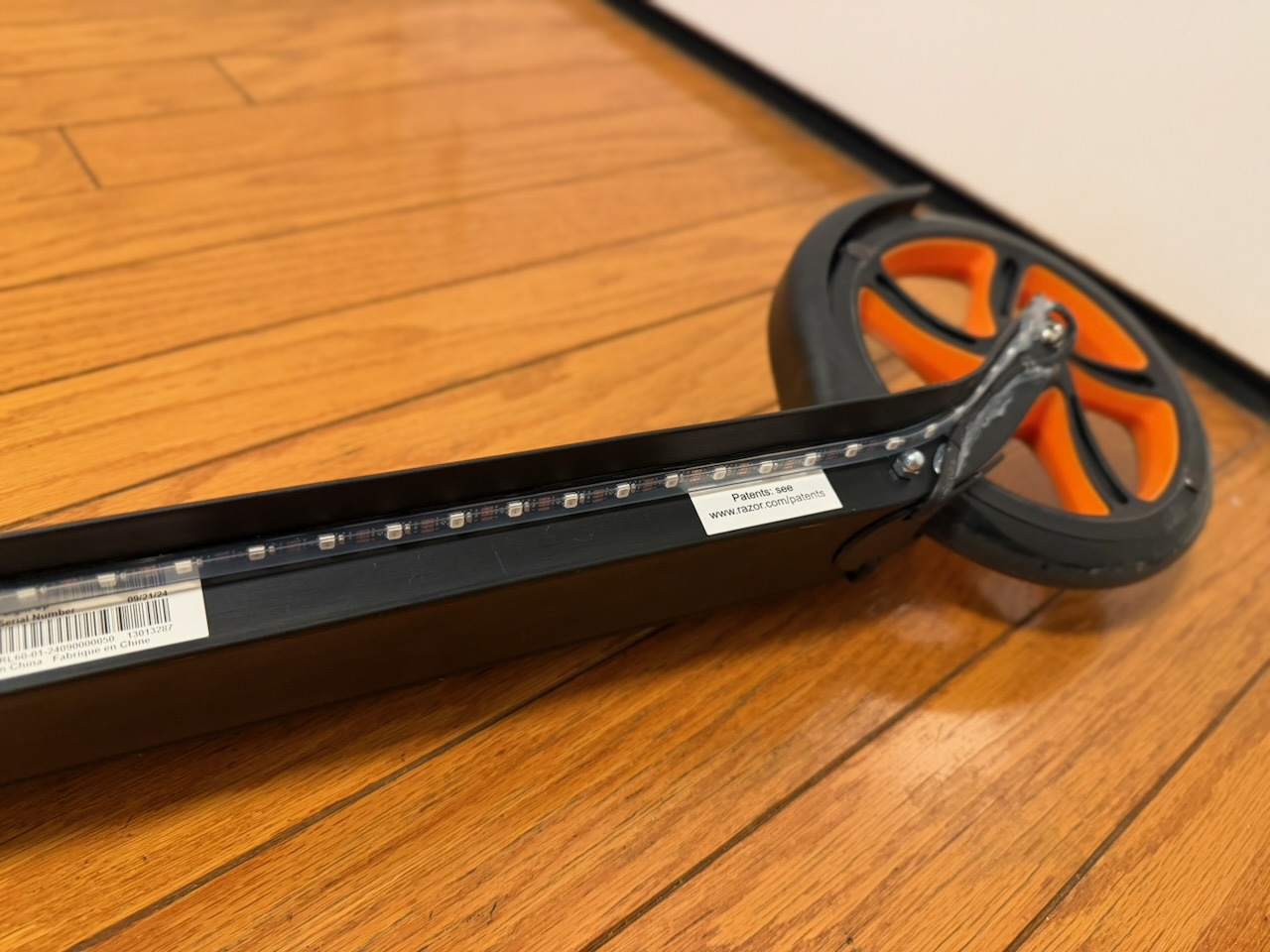
The idea was to mount a small display showing current speed and add a LED strip that changes color based on how fast you’re going. Slow is blue, fast is red, with a gradient in between. There’s also a second mode where the strip does a running comet tail animation while riding. A hall effect sensor on the wheel measures speed; two small magnets on the rim trigger it once per revolution.
Components
Electronics
- Adafruit ItsyBitsy 32u4 - 3V 8MHz — main microcontroller
- Waveshare 1.5inch OLED Display Module — 128×128 grayscale
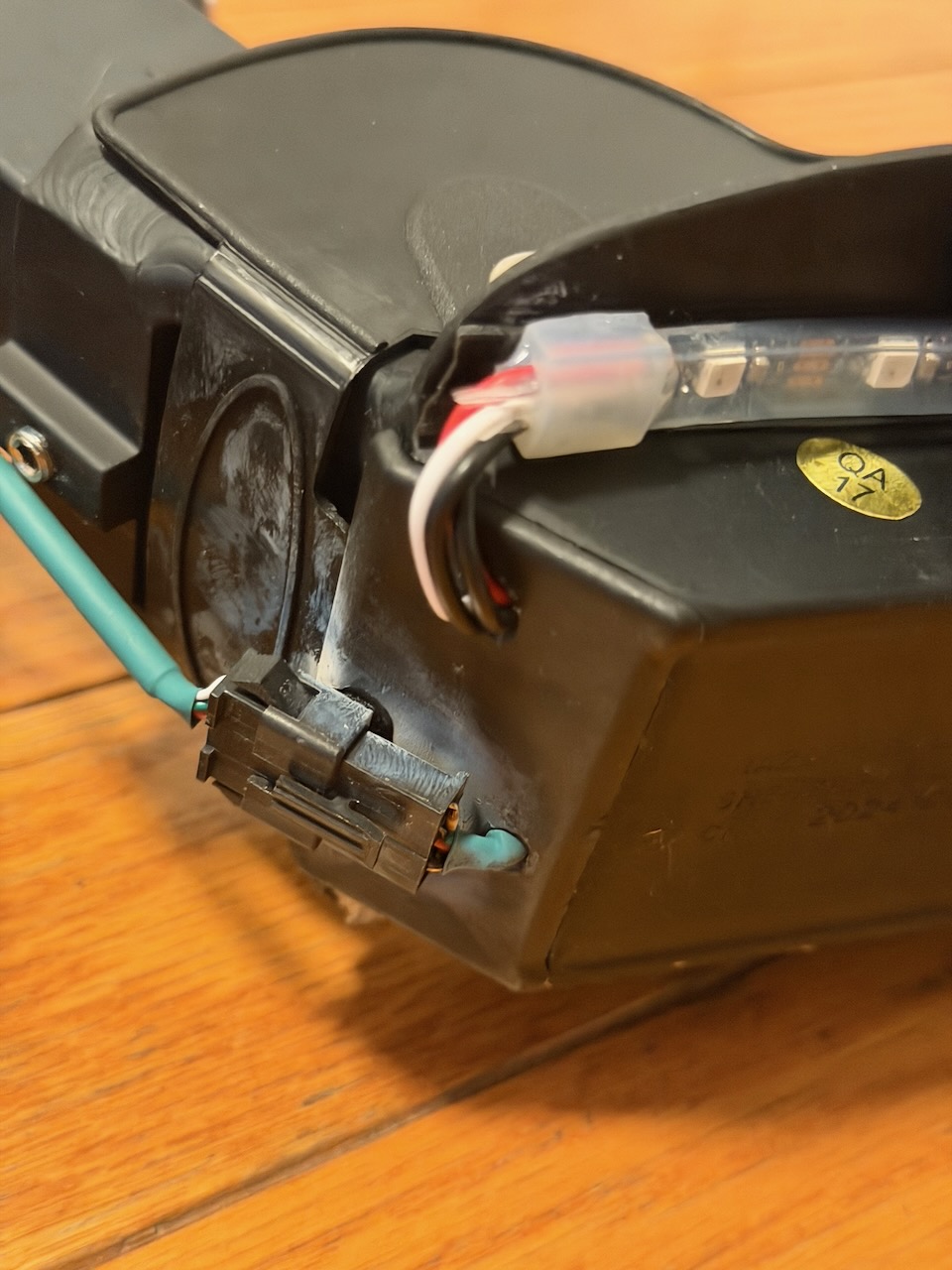
- Adafruit Mini Skinny NeoPixel Digital RGB LED Strip 1m - 60 LED
- Adafruit LiIon/LiPoly Backpack — battery charging circuit
- Lithium Ion Polymer Battery - 3.7v 2500mAh
- Hall Effect Sensor - US5881LUA
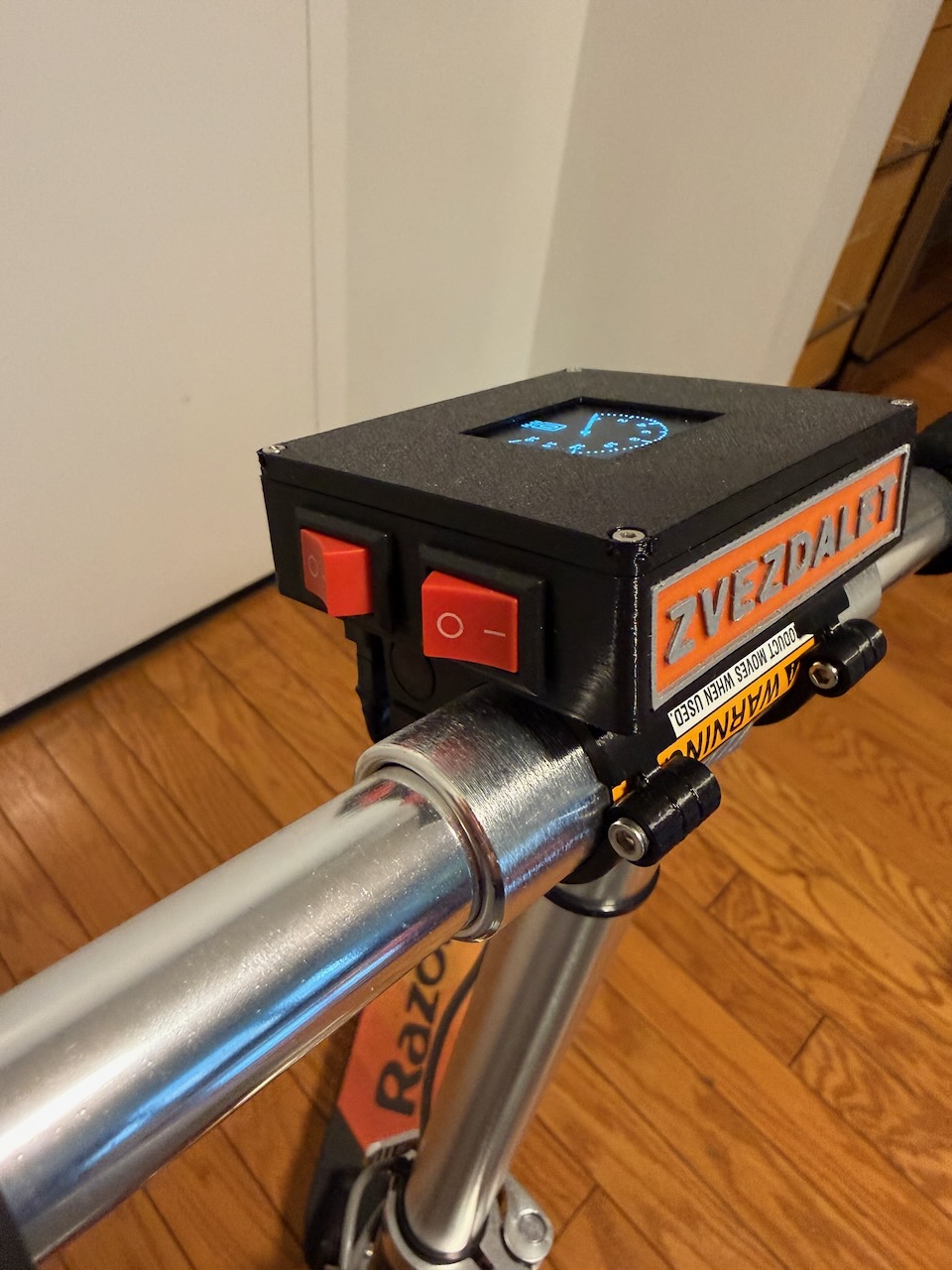
- Mini Rocker Switch — power and mode toggle
Hardware
3D printed enclosure
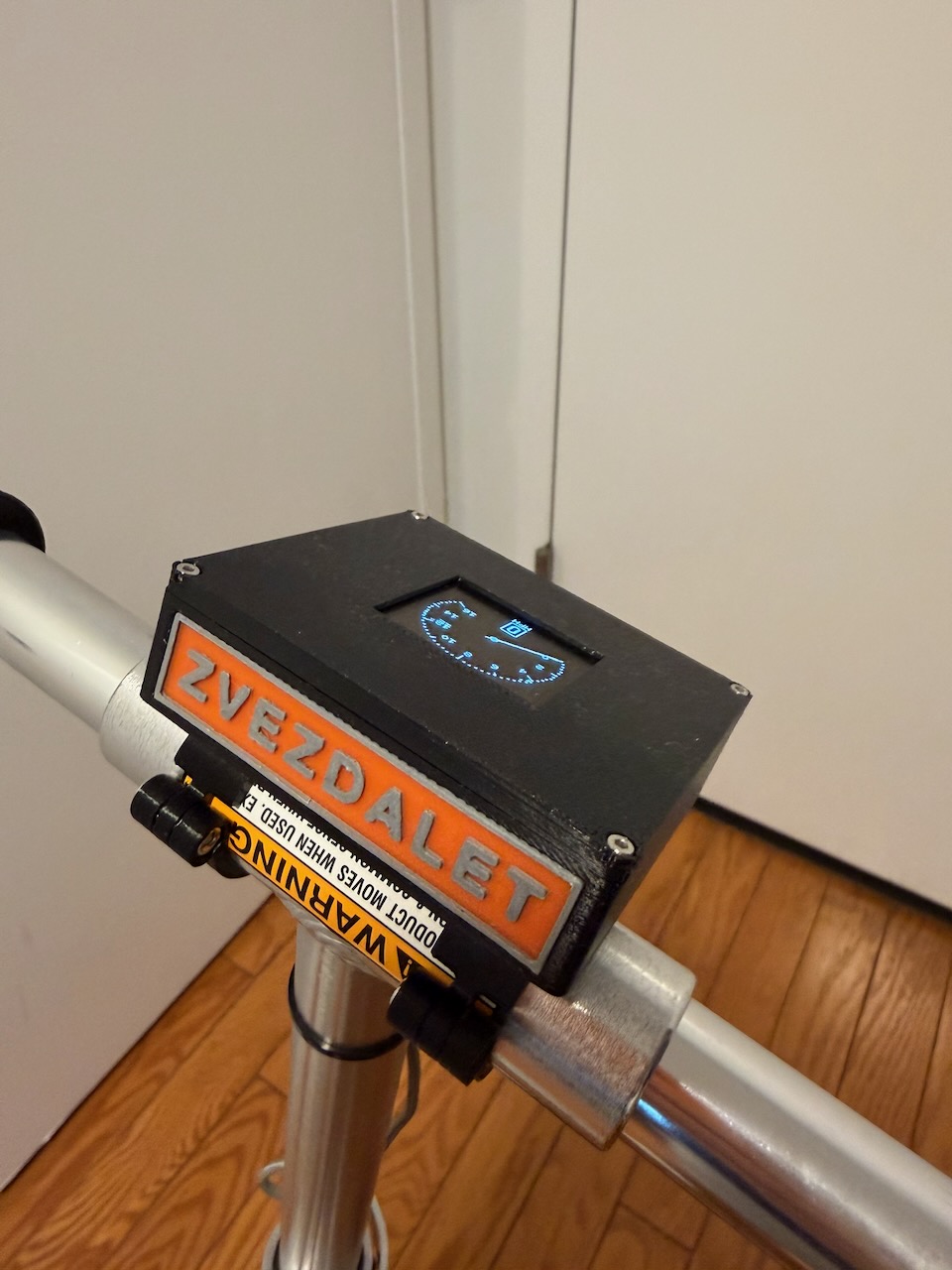
The whole thing lives in a custom enclosure that clamps onto the scooter’s vertical pole. It’s split into a few parts to make assembly manageable:
box.stl— main enclosure for the battery, switches, and JST connectorbox_battery_holder.stl— battery compartment with ItsyBitsy mounting pointsbox_logo.stl— two-color decorative plate for the frontlid.stl— top cover with cutout for the OLEDconnector_bottom.stlandconnector_top.stl— upper and lower clamps that wrap around the scooter pole, joined with an M3 boltconnector_lock.stl— locks the assembly in place with an M2 bolt
0.2mm layer height, 20% infill, supports where needed. PLA works fine.
STL files are on Printables: https://www.printables.com/model/1440259-arduino-digital-speedometer-for-razor-a5-lux-kick
Wiring
.png)
Hall sensor goes to interrupt pin 2. OLED is SPI (CS=10, DC=7, RESET=8). NeoPixel data is on pin 5. The mode toggle switch is on pin 12. Battery runs through the LiPoly backpack.
Firmware
Speed is calculated from hall sensor pulses using the wheel circumference (798mm for a 10” wheel). The display shows an analog-style speedometer with a digital MPH readout. Switch modes with the toggle — the second mode drops the speedometer and runs the LED animation instead.
The code caps at 16 MPH and resets speed to zero after 3 seconds without a pulse. Libraries used: U8g2lib for the OLED, Adafruit_NeoPixel for the strip.
With the 2500mAh battery: roughly 8–10 hours in OLED mode, 4–6 in LED mode.
Assembly
Install the ItsyBitsy and LiPoly backpack into the battery holder, connect the battery with double-sided tape, run the wiring through the JST connector, press the OLED into the lid. Clamp the connector halves around the scooter pole, tighten the M3 bolt, lock it with the M2 bolt. Done.
Gallery